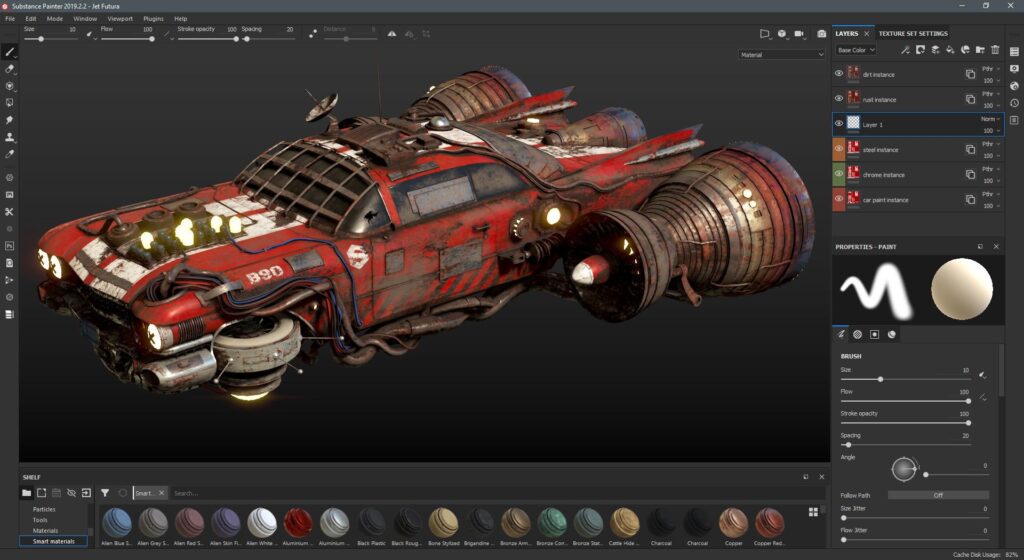
Adobe Substance 3D Painter 12.2, released on 21 October 2026, introduces a Cage Painting feature for texture baking alongside improvements to Polygon Fill and viewport functionality. The update offers artists more direct control over baking cages and adds refinements to common texturing tasks.
More control over baking cages
Texture baking transfers surface details and normal information from a high-resolution model to a lower-resolution mesh. The process is widely used to prepare assets for games and other real-time applications.
The new Cage Painting feature introduces dedicated controls and visualization options for working with baking cages. Artists can use these tools to inspect and adjust cage-related results as part of the baking workflow.
An incorrectly configured cage can contribute to baking artifacts, including projection errors around edges, recessed areas and closely spaced surfaces. More direct control can help artists investigate and correct these problems.
Polygon Fill improvements
Version 12.2 also updates the Polygon Fill tool. Adobe lists support for polygon patches and loops, additional symmetry functionality, and improvements to wireframe visibility and channel-property editing. The release also includes viewport transparency improvements and other refinements.
Why this update matters
For texture artists and game-asset developers, the value of a texturing update often lies in how effectively it reduces friction in everyday tasks. Better cage controls can make baking adjustments more accessible, while improved polygon selection can help with detailed material work.
Artists should still review baked textures carefully, particularly on complex meshes and assets with tight gaps or overlapping surfaces. New controls improve the workflow but do not remove the need for sound mesh preparation and quality checks.
Official source: Adobe Substance 3D Painter 12.2 release notes