


ZGIAN / TOOLS / PRODUCTION
Production rendering for film, animation, architecture and visualization.
Production rendering for film, animation, architecture and visualization. The right choice depends on the production stage, team skills, interoperability requirements, budget and delivery target.
Where It Fits
Professional VFX pipelines rarely depend on one application. Artists move information between modeling, animation, simulation, tracking, compositing, editorial, color and delivery systems. A good toolchain minimizes unnecessary conversion, preserves useful data and makes review and versioning predictable.
What to Evaluate
- Core capabilities for the specific task.
- Interoperability with the rest of the pipeline.
- Performance, stability and hardware requirements.
- Learning curve and availability of skilled artists.
- Licensing, support and total production cost.
- Version compatibility and long-term project maintenance.
Production Tip
Choose the pipeline first and the software second. A familiar tool that integrates reliably can be more valuable than a technically powerful tool that creates unnecessary handoff or data-management problems.
Related Tools
- How to Choose VFX Software
- VFX Pipeline Tools
- Production Management Tools
- Review & Collaboration Tools
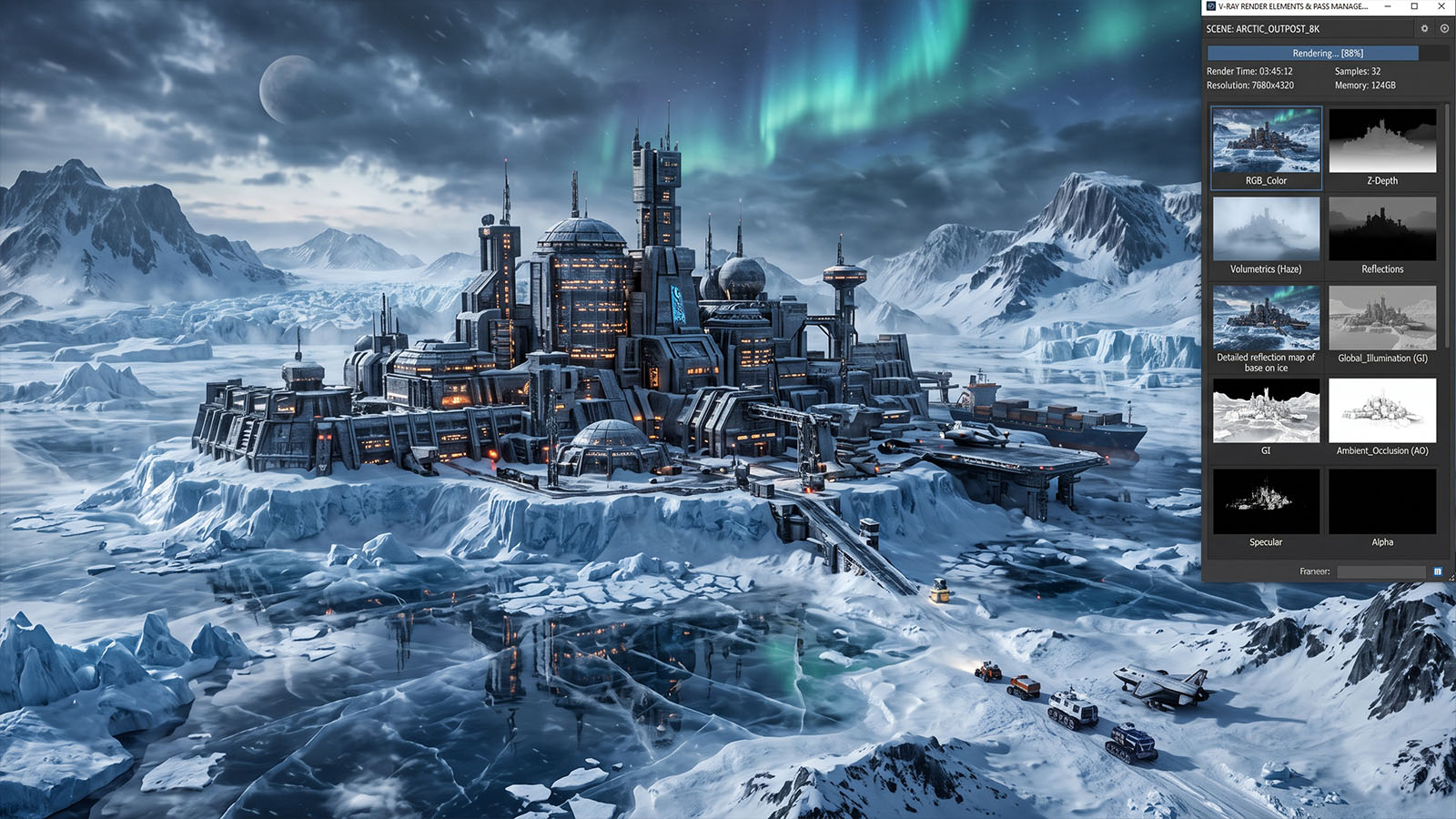
Where V-Ray fits in the production workflow
V-Ray is best understood as part of a wider creative and technical pipeline. Depending on the project, it may connect with VFX software, 3D software, rendering, pipeline, and production tools. Understanding those relationships helps artists choose an efficient workflow instead of treating a technique or software feature in isolation.
What to evaluate on a real project
- What is the intended final output and what quality level is required?
- Which parts of the shot are best handled manually, procedurally, or with tracking/automation?
- How will the work be reviewed, revised, versioned and handed off to the next department?
- What happens when lighting, motion blur, transparency, perspective or other difficult shot conditions change?
Related Zgian guides
Editorial note: software interfaces and AI capabilities change over time. Check current vendor documentation before relying on version-specific features.

