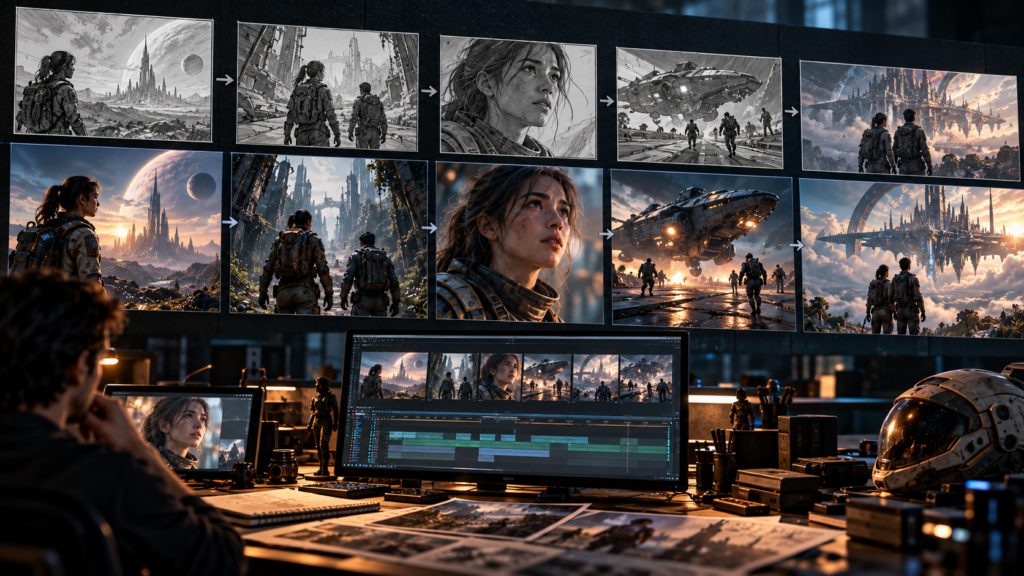
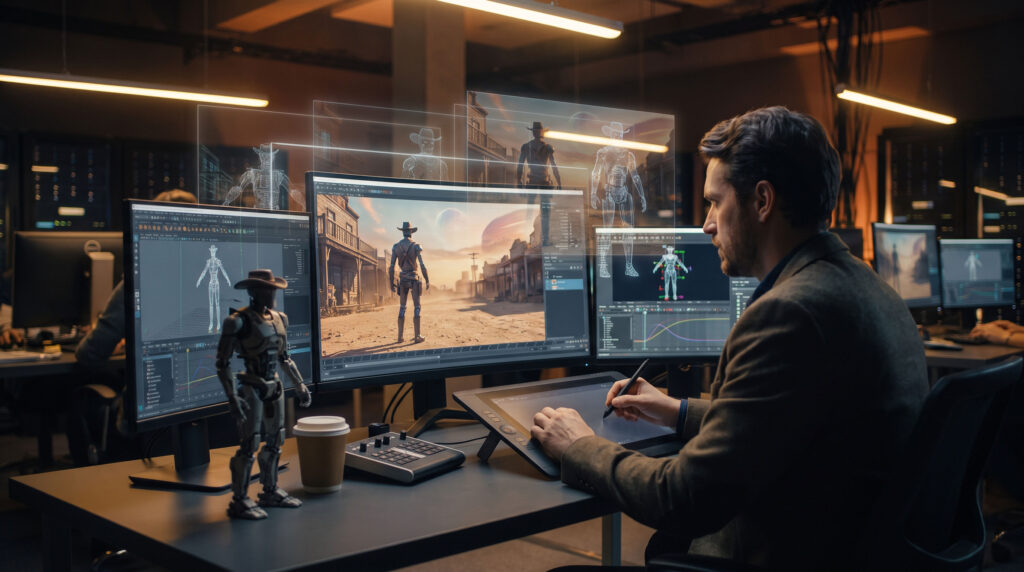
AI-generated video can now create remarkably detailed characters, environments and cinematic shots. But turning those individual shots into a consistent film remains a much more complicated challenge.
Autodesk’s latest AI filmmaking demonstration, Robots of the Wild West, provides a real-world example of that problem.
Presented during Autodesk University 2026, the fictional animated story was created to demonstrate how AI can work alongside traditional digital production tools. But the project also contained a continuity error that the team was unable to solve simply through prompting.
A Character Suddenly Changes Position
In one sequence, two characters are sitting together at a table. In a later shot, one character suddenly appears on the opposite side of the table.
The Autodesk team knew about the problem and attempted to correct it through prompting. According to Autodesk’s Maurice Patel, however, the problem could not be eliminated without starting the generation process again. For a demonstration project, the team decided to leave the error rather than restart the sequence.
It is a small mistake, but it demonstrates a much larger problem for AI-generated filmmaking.
A shot can look impressive on its own while still failing to maintain continuity with the shots surrounding it.
Why Continuity Matters in VFX and Animation
Traditional film and animation pipelines are built around control.
Artists can determine exactly where a character stands, where a camera is positioned, how an object moves and how an environment should look from one shot to the next.
With generative AI video, many of those relationships can change when the model generates a new result.
Autodesk says that running the same prompt twice can produce different results. Changing one element can also unintentionally change other elements that were previously working.
For a professional production, this can create problems with:
- Character position
- Camera direction
- Environment layout
- Props
- Lighting
- Character appearance
- Movement
- Performance
- Spatial relationships between characters
This is why generating a convincing five-second clip and producing a consistent sequence of shots are two very different challenges.
From Prompting to Directing
Autodesk’s response is to move beyond a workflow based purely on prompting.
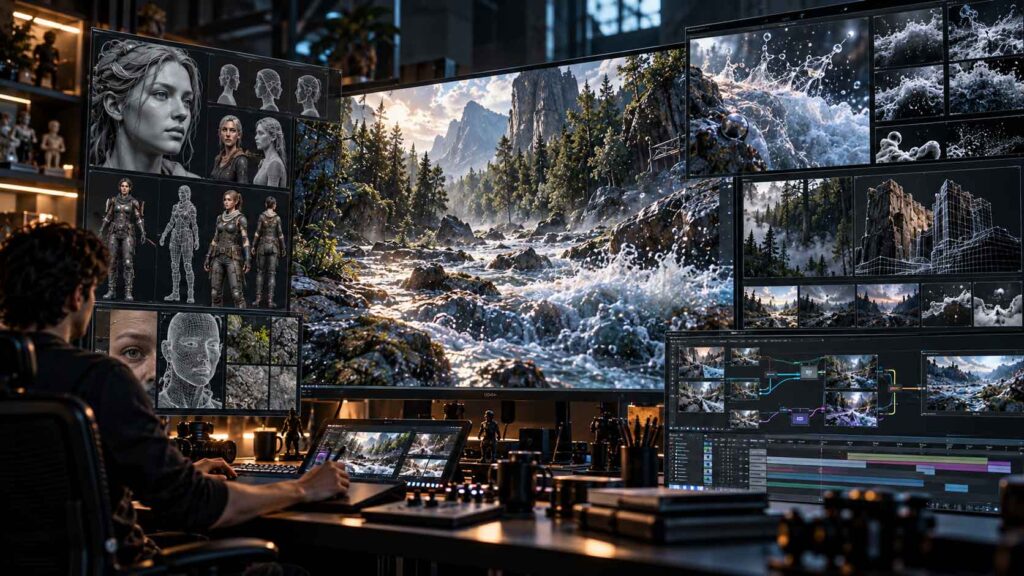
Its Flow Studio approach combines AI with structured 3D production workflows. Autodesk says its 3D Editor + Canvas can keep elements such as the character, performance, camera, environment and animation separate and controllable.
That distinction is important.
Instead of generating a final video and treating it as a finished result, the goal is to preserve editable production information so artists can return to individual parts of a shot and make changes.
For example, a filmmaker could potentially change the camera without rebuilding the entire performance, or replace an environment while maintaining other elements of the scene.
Autodesk describes this shift as moving from prompting toward directing.
AI + Maya: Keeping Animation Editable
Autodesk is also bringing AI-assisted animation into established 3D workflows.
Its MotionMaker technology in Maya can generate locomotion based on a motion path and timing. Autodesk says the resulting animation is delivered as editable animation curves, allowing artists to continue refining the result inside Maya.
That is significantly different from receiving a finished video file.
For animators, editable animation means they can adjust timing, poses, movement and performance rather than simply accepting whatever the AI generated.
Autodesk has also introduced Bring Your Own Data capabilities for MotionMaker, allowing teams to train custom generative motion models using their own rigs and animation libraries.
The Bigger Challenge: Consistent Digital Worlds
The continuity problem goes beyond characters moving around a table.
The bigger challenge is maintaining a persistent digital world across an entire production.
Imagine a character walking through a city:
- In shot one, the character enters from the left.
- In shot two, the character walks past a specific building.
- In shot three, the character enters a vehicle.
For the sequence to work, the building needs to remain in the correct location, the vehicle needs to maintain its design, the character needs to remain consistent, and the camera and lighting need to respect the established scene.
That requires more than generating attractive individual frames.
It requires scene understanding, structured data and production control.
Autodesk’s own documentation around Flow Studio emphasizes this issue, describing professional production as requiring work to remain consistent across shots, teams and revisions.
Where Human Artists Still Enter the Pipeline
The Robots of the Wild West example doesn’t mean AI video cannot produce impressive results.
In fact, the project demonstrates how quickly AI-assisted workflows are developing.
The more interesting question is where human artists fit into the pipeline.
Autodesk’s current approach is to use AI to accelerate repetitive or time-consuming tasks while allowing artists to direct and refine the result. Its Media & Entertainment team describes AI as a way to provide stronger starting points, faster iteration and editable outputs while keeping creative decisions with artists.
This approach can be particularly relevant to VFX and animation studios.
Instead of:
Prompt → Finished Video
the emerging workflow could look more like:
Idea → AI Generation → 3D Scene → Animation → Artist Direction → VFX → Final Shot
That gives artists more opportunities to intervene and correct problems before they reach the final frame.
AI Is Moving Into the Existing VFX Pipeline
Autodesk’s announcements at AU 2026 extend beyond generative video.
The company is positioning Flow as its media and entertainment industry cloud, while continuing to integrate AI capabilities into tools such as Maya and 3ds Max.
Autodesk has also highlighted AI-assisted capabilities for:
- 3D asset generation
- Animation
- Motion generation
- Gaussian splats
- Virtual production
- Production review
- Scene assembly
- Post-production workflows
The broader direction is therefore not simply about creating videos from text prompts.
It is about integrating AI into the production pipeline while preserving control over the underlying creative assets.
What Robots of the Wild West Tells Us About AI Filmmaking
The continuity error in Robots of the Wild West may seem minor, but it highlights an important technical distinction.
Generating a beautiful shot is not the same as producing a coherent film.
Professional filmmaking requires consistency across hundreds or thousands of decisions.
Characters need to behave consistently.
Cameras need to maintain continuity.
Environments need to remain coherent.
Performances need to carry from one shot to another.
AI video generation is developing rapidly, but these production requirements remain central to animation and VFX.
For artists, that could mean the future workflow is less about choosing between AI and traditional production and more about combining the two.
The Future: AI as Part of the Production Pipeline
Autodesk’s Robots of the Wild West experiment offers a useful glimpse into where AI filmmaking is heading.
The technology can accelerate experimentation and help artists create starting points much faster. But maintaining continuity and creative control requires a more structured approach.
As AI becomes more deeply integrated with 3D software, animation systems and production tracking, the important development may not be simply better image generation.
It may be the ability to create AI-generated content that remains editable, consistent and controllable throughout the entire production pipeline.
And that is where AI filmmaking begins to look less like simple prompting—and more like filmmaking.