
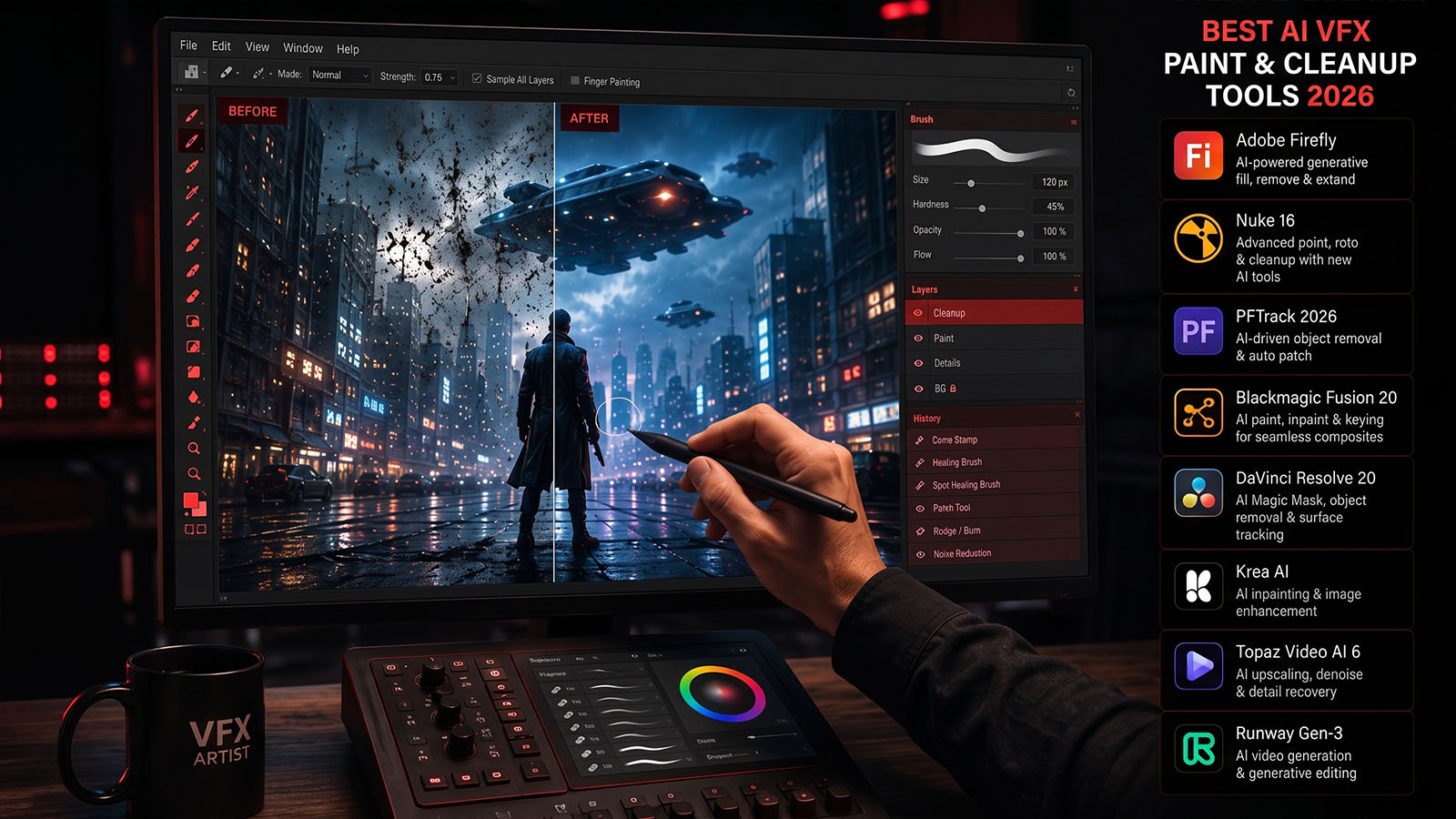


Object removal, wire cleanup, clean plates and digital paint are some of the most repetitive tasks in VFX. AI can accelerate the first pass—but the best production workflows still give artists precise control over the final pixels.
What is VFX paint and cleanup?
VFX paint is the process of removing, repairing, restoring or altering pixels in a shot. It includes tasks such as wire removal, rig cleanup, tracking marker removal, dust removal, beauty work, sign replacement preparation and creating clean plates.
Traditional paint often involves cloning pixels from nearby frames or areas, tracking those regions and animating the result. AI can reduce repetitive work by detecting objects, generating masks, propagating information and helping fill missing areas.
For professional cleanup, the AI first pass is only the beginning. The final test is whether the repaired area remains invisible when the camera moves and the shot is viewed at full resolution.
Best AI VFX paint & cleanup tools: quick comparison
| Tool | Best for | Key strength | Best fit |
|---|---|---|---|
| Silhouette 2026 | Professional roto + paint | Healing Brush, advanced cloning, ML masking/tracking, 3D-aware paint | VFX artists and studios |
| After Effects | Quick object removal | Content-Aware Fill guided by masks and reference frames | Editors, motion designers and creators |
| Autodesk Flame | Finishing + paint | Clone, Reveal, Blur, Shade, Wash, Stamp and compositing tools | Commercials, finishing and post teams |
| Traditional node-based paint | Maximum control | Frame-by-frame precision and custom cleanup setups | Complex hero shots |
Silhouette 2026: strongest specialist option
Boris FX’s 2026 release combines AI-assisted matting and tracking with expanded paint and beauty tools. The new Healing Brush is designed for seamless cleanup and retouching, while the clone workflow adds continuous mode and improved grade reuse.
The major advantage is that paint does not have to be isolated from the rest of the VFX problem. Silhouette can use ML masks and tracking to help prepare the area before painting, while its 3D Scene workflow can support complex retouching and digital makeup.
Silhouette also supports Unwrap/Rewrap and Render Depth workflows, which can be useful when a surface needs to be painted in a more stable 3D-aware setup.
Best for: wire removal, beauty work, difficult cleanup, roto-assisted paint and professional VFX shots.
After Effects: convenient object removal
Adobe’s current After Effects workflow includes Content-Aware Fill for removing unwanted objects. The artist masks the element, chooses the fill method and range, and generates a fill layer. Adobe notes that the tool works best when foreground and background are clearly separated or relatively high-contrast, and a reference frame can be painted to guide difficult results.
This makes Content-Aware Fill particularly useful for creators who need quick cleanup without moving into a dedicated paint application.
Best for: simple-to-moderate object removal, motion graphics, social content and Adobe-based post workflows.
Autodesk Flame: mature finishing paint
Flame’s Paint tools provide a broad set of image-repair operations. Autodesk’s 2026 documentation includes Clone, Reveal, Drag, Impressionist, Recursive Clone, Shade, Smear, Stamp, Warp and Wash media.
That breadth matters when cleanup becomes a finishing problem rather than a one-click object-removal task. Artists can paint, clone, reveal reference material and combine the work with Flame’s tracking and compositing environment.
Best for: high-end finishing, commercial cleanup, beauty work and complex client revisions.
Which tool for which cleanup?
| Task | Starting point | Why |
|---|---|---|
| Remove a small unwanted object | After Effects Content-Aware Fill | Fast setup and automated fill. |
| Wire / rig removal | Silhouette or Flame | More control over tracking, cloning and frame-by-frame repair. |
| Beauty cleanup | Silhouette / Flame | Dedicated paint and retouching workflows. |
| Tracking marker removal | Silhouette / Flame | Tracking and paint can be combined. |
| Complex clean plate | Dedicated paint + compositor | Requires careful temporal and spatial reconstruction. |
| Fast social-media cleanup | After Effects | Low setup time for simpler shots. |
Professional AI cleanup workflow
1. Identify the source of the problem
Separate actual object removal from tracking, roto, color or compositing problems. A bad paint setup can make a simple tracking problem much harder.
2. Track the repair area
The repaired pixels must move naturally with the shot. Track the surface whenever possible instead of manually repositioning a clone on every frame.
3. Create a controlled mask
Use AI segmentation when it gives you a useful starting point, but refine the mask so the repair does not affect surrounding detail.
4. Generate the first fill
Let automation create the initial replacement. This is where AI can save significant repetitive work.
5. Paint the difficult frames
Inspect frames where the background changes, an object crosses the repair, or the camera reveals new areas.
6. Match the repaired texture
Even a geometrically correct patch can look fake if its sharpness, grain, noise or color differs from the original plate.
7. Check the full shot
Scrub frame by frame and watch for crawling texture, repeated patterns, ghosting and edge halos.
Common AI cleanup problems
| Problem | What happens | Typical solution |
|---|---|---|
| Repeated texture | The same pixels appear too often. | Vary clone sources and restore natural texture. |
| Ghosting | Old object information remains in the fill. | Refine mask and reference frames. |
| Edge halo | Removed object leaves a bright/dark outline. | Expand/contract matte and blend edges. |
| Temporal crawl | Repair texture moves unnaturally. | Improve tracking and use temporal paint. |
| Perspective mismatch | Patch does not follow the surface. | Use planar/3D-aware tracking. |
| New background revealed | Camera movement exposes areas that never existed in the plate. | Build a clean plate from multiple frames or generate new imagery. |
How to build a clean plate
A clean plate is a version of the shot without the unwanted foreground element. It is one of the most useful assets in VFX because it can be reused for object removal, compositing and later revisions.
↓
REMOVE UNWANTED OBJECT
↓
TRACK CAMERA / SURFACE
↓
RECONSTRUCT MISSING AREA
↓
CHECK TEMPORAL CONTINUITY
↓
CLEAN PLATE
↓
COMPOSITE INTO FINAL SHOT
When possible, use information from nearby frames rather than inventing every missing pixel. This preserves the original camera texture, perspective and lighting.
For each cleanup tool, measure three things: first-pass time, manual correction time and final invisible-result time. The third measurement is the one that matters most for professional VFX.
AI paint vs traditional paint
| AI-assisted paint | Traditional paint |
|---|---|
| Fast first pass | Maximum manual control |
| Useful for repetitive cleanup | Excellent for unusual hero shots |
| Can create unexpected artifacts | Requires more artist time |
| Best with artist supervision | Best when precision is critical |
How should you choose?
- Choose Silhouette if paint, roto, tracking and cleanup are all part of your VFX work.
- Choose After Effects for fast object removal inside a familiar creator workflow.
- Choose Flame when finishing and advanced paint operations are central to the job.
- Use traditional paint when the AI result is less predictable than doing the shot manually.
Where this fits in the Zgian AI VFX workflow
Cleanup is the quiet part of VFX that viewers rarely notice—but it is often what makes a composite believable. That makes it a particularly useful subject for Zgian tutorials and future YouTube demonstrations.
Frequently asked questions
What is the best AI VFX paint software in 2026?
For specialist VFX paint and cleanup, Silhouette 2026 is a strong choice because its new Healing Brush and improved cloning work alongside AI masking and tracking.
Can AI remove objects from video?
Yes. After Effects Content-Aware Fill can remove unwanted elements using a mask and generated fill layer, while dedicated VFX tools provide more advanced tracking and paint control.
Is AI paint good enough for professional VFX?
It can accelerate professional workflows, particularly for repetitive cleanup, but difficult shots still need artist review and manual correction.
What is the difference between object removal and clean plate creation?
Object removal fixes a particular shot region. A clean plate is a reusable background version of the shot without the unwanted element and can support multiple downstream composites.
What is the best tool for wire removal?
For demanding VFX wire removal, dedicated paint environments such as Silhouette or Flame provide more control than one-click object-removal tools. The right choice depends on the shot’s tracking, deformation and background complexity.
3D Generalist & VFX Professional · About the author →


