Runway is pushing its AI video platform further into professional post-production with expanded Workflow capabilities that let creators perform more processing and compositing tasks without leaving the platform.
The latest additions include compositing nodes, alpha-channel workflows, HDR processing and depth-map generation, moving Runway beyond the traditional text-to-video model toward a more connected production pipeline.
From AI Generation to Post-Production
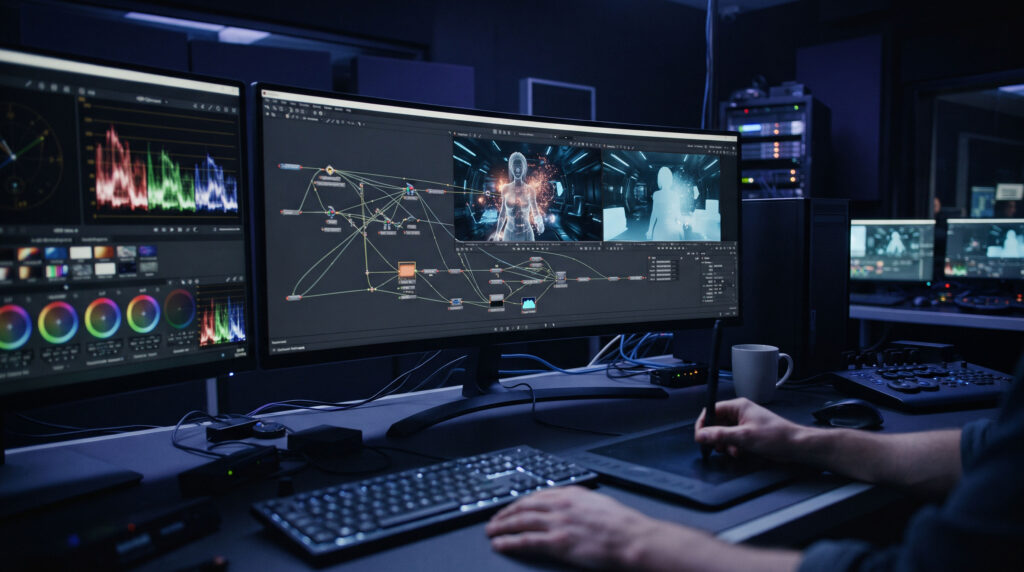
Runway’s Workflows are based on a node-based system that allows creators to connect multiple media-generation and processing steps into reusable pipelines.
The company describes Workflows as a way to create customized and repeatable creative processes, including chaining generations together, branching into variations and automating repetitive production tasks.
The significance of the latest development is that those pipelines are no longer limited to generating media.
Creators can now perform more of the work that normally happens after generation.
Compositing Inside the Workflow
Runway has introduced compositing workflow nodes, allowing images and videos to be combined and blended within the Workflow Editor.
For VFX artists, this changes the potential role of the platform.
Instead of generating a shot in one application and immediately moving it into another application for every subsequent operation, a creator can build a sequence of generation and processing steps into one node-based pipeline.
That could be particularly useful for creating repeatable workflows for:
- Background replacement
- Layered video compositions
- Generated plates
- Visual effects elements
- Multi-shot experimentation
- Social-media versions
- Previsualization
Depth Maps Become Part of the Pipeline
Runway’s Workflows also include a Depth Anything Video node.
It analyzes video and generates a frame-accurate depth map, with brighter pixels representing areas closer to the camera and darker pixels representing areas farther away.
Depth information can be useful for:
Compositing → Relighting → Camera-aware effects → Scene separation → 3D-aware generation
For example, a creator could generate a depth pass from existing footage and then use that information as structural guidance for another stage of the workflow.
That brings an element of traditional VFX pipeline thinking into an AI-oriented environment.
HDR Is Becoming a Bigger Part of AI Video
Runway has also been expanding its HDR and professional-format capabilities.
Its current professional output options include ProRes, PNG sequences, 10-bit SDR and several HDR formats, while Gen-4.5 supports true HDR output.
The company also provides SDR-to-HDR conversion through its Ruby system.
The API can produce HDR10, HLG, ProRes and OpenEXR-based outputs, including ACEScg EXR sequences designed for ACES pipelines.
This is particularly relevant for professional artists because an AI-generated clip doesn’t necessarily finish the production process.
A VFX or motion-graphics pipeline may require:
Generation → compositing → color management → grading → mastering → delivery
Supporting formats such as ProRes and OpenEXR makes it easier to move AI-generated material into established post-production environments.
Alpha Channels Bring AI Video Closer to VFX
Runway has also added support for workflows involving transparent video and alpha channels.
Its video-to-HDR system can preserve alpha from supported sources such as ProRes 4444, WebM with alpha and RGBA codecs. The alpha information can also be carried into EXR and ProRes 4444 HDR deliveries.
This matters because transparency is fundamental to many traditional VFX workflows.
An isolated AI-generated object, character or effect can be significantly more useful to an artist when it can be composited over another shot without first having to recreate the transparency information.
Runway Is Also Moving Into Existing Editing Software
The expansion isn’t happening only inside Runway’s browser-based environment.
The company recently brought Runway directly into Adobe Premiere Pro and After Effects, allowing users to generate and manipulate AI media from within their existing projects.
Runway also became available inside DaVinci Resolve on September 23.
The Resolve integration includes generation, video-to-video editing, background removal, upscaling and HDR conversion, with generated material able to be imported directly into the project.
This suggests a broader strategy:
AI doesn’t necessarily have to replace the traditional creative application. It can become another layer inside the existing pipeline.
For professional artists, that distinction is important.
From AI Generator to Creative Pipeline
The evolution of Runway is representative of a larger shift taking place across generative video.
Early AI-video tools largely focused on:
Prompt → Video
Professional production requires something more complicated:
Concept → Generation → Selection → Editing → Compositing → Color → Finishing → Delivery
Runway’s expanding Workflows, professional output formats and integrations with Premiere Pro, After Effects and DaVinci Resolve are moving the platform closer to that second model.
The company isn’t the only player moving in this direction, but the development illustrates where AI video is heading: less emphasis on isolated generated clips and more emphasis on controllable, repeatable production systems.
For VFX artists and filmmakers, that could ultimately be more important than simply generating increasingly realistic footage.