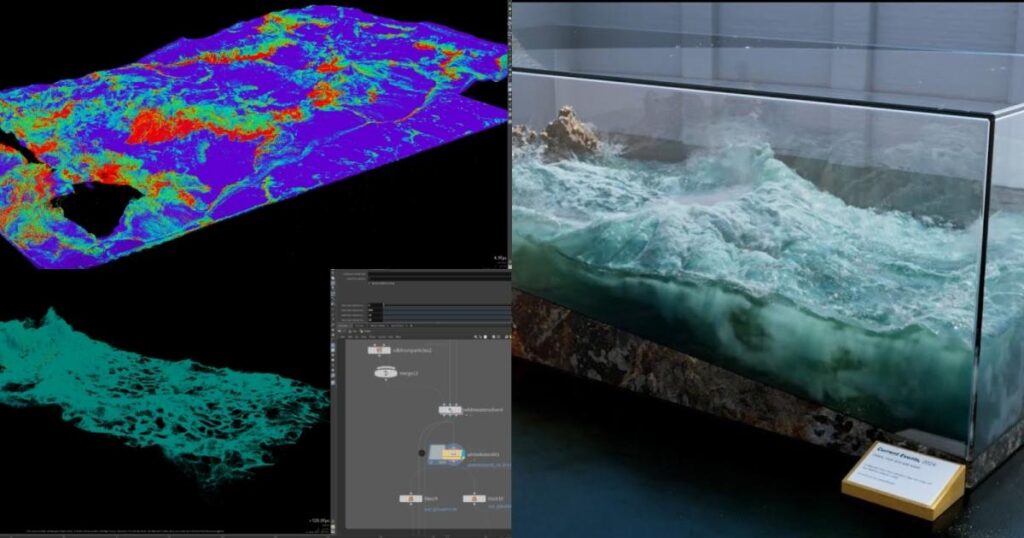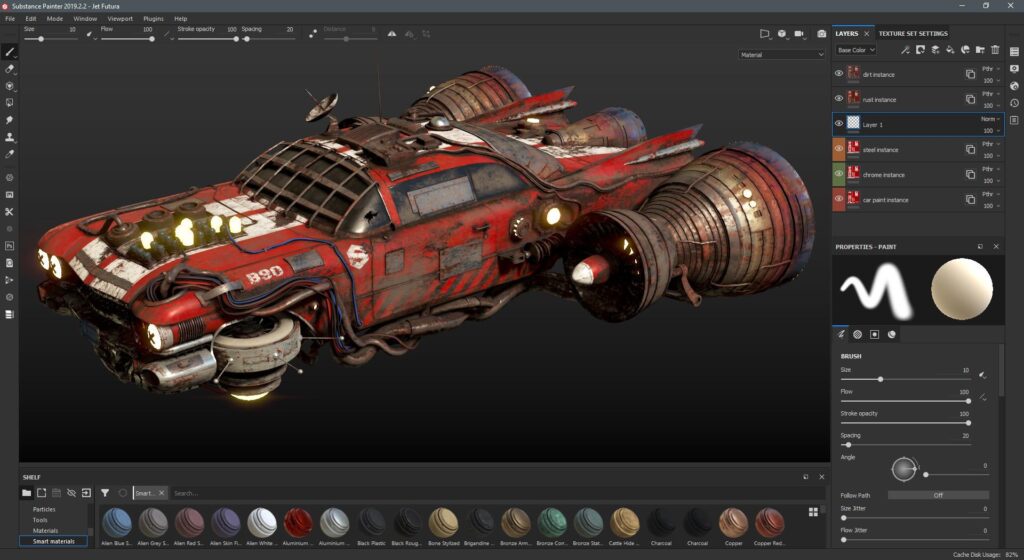

A practical shot-breakdown workflow from plate to final composite.
Workflow
Identify the creative objective, source plate, frame range, camera movement and final delivery requirement.
Collect references, clean plates, tracking data, assets, masks, HDRIs and any approved production notes.
Perform the relevant tracking, modeling, animation, keying, roto, simulation, generation or compositing work.
Match perspective, lighting, depth, motion blur, grain and color. Compare against the approved reference and record revisions.
Check frame range, edges, continuity, naming, technical specifications and approval status before publishing the final version.
Production Note
Use this tutorial as a workflow framework. Exact settings depend on the footage, software, shot complexity and delivery specification.
Where How to Break Down a VFX Shot fits in the production workflow
How to Break Down a VFX Shot is best understood as part of a wider creative and technical pipeline. Depending on the project, it may connect with VFX tutorials, 3D tutorials, AI video tutorials, workflow guides, and beginner guides. Understanding those relationships helps artists choose an efficient workflow instead of treating a technique or software feature in isolation.
What to evaluate on a real project
- What is the intended final output and what quality level is required?
- Which parts of the shot are best handled manually, procedurally, or with tracking/automation?
- How will the work be reviewed, revised, versioned and handed off to the next department?
- What happens when lighting, motion blur, transparency, perspective or other difficult shot conditions change?
Related Zgian guides
Editorial note: software interfaces and AI capabilities change over time. Check current vendor documentation before relying on version-specific features.