
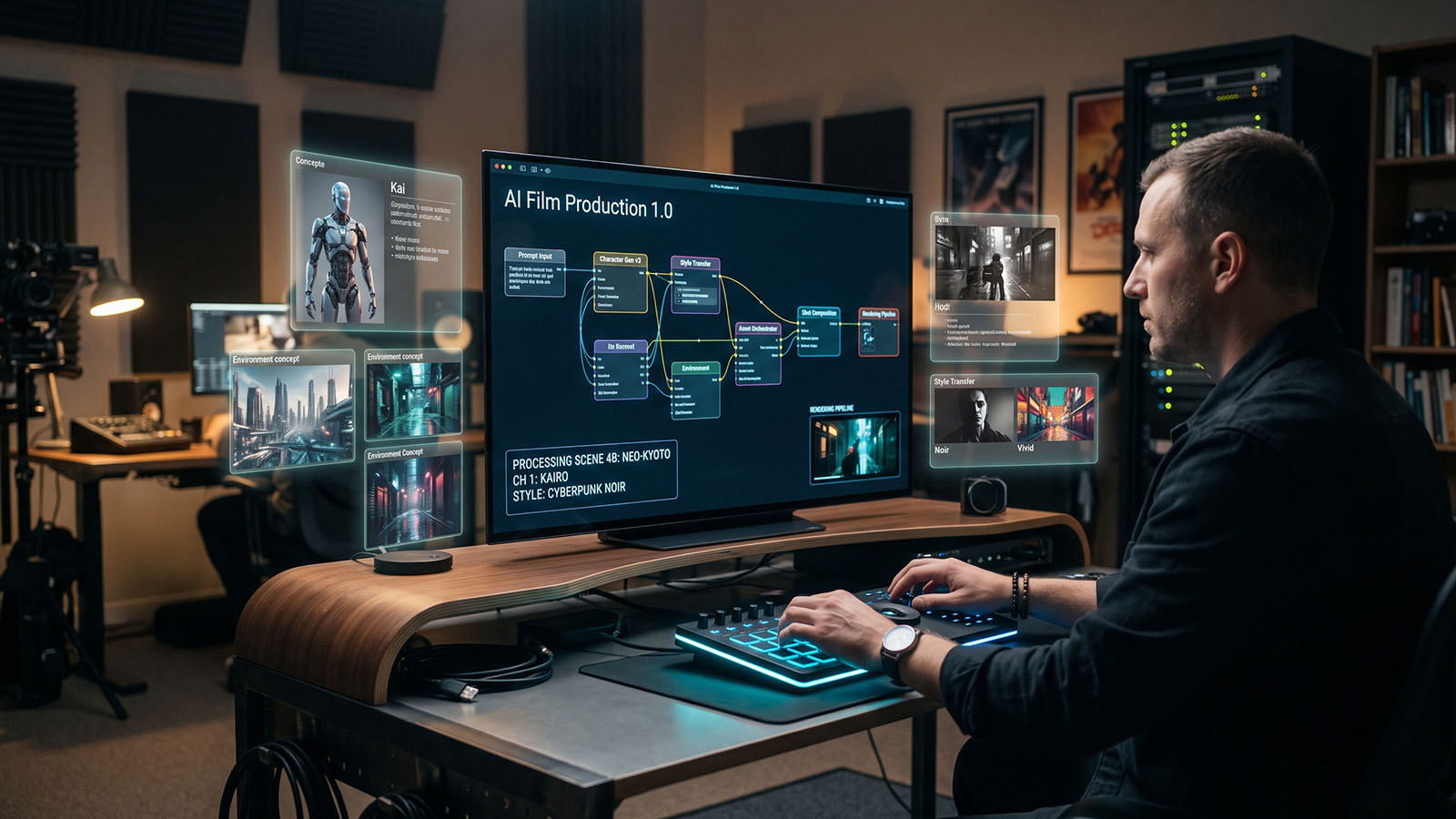


A hands-on Zgian production series that takes one fictional short film through the complete AI filmmaking process—from the first concept to the finished master.
🎬 What makes this series different?
Instead of studying isolated AI filmmaking techniques, we will create one complete fictional film and keep its story, character identities, world, shot language and references consistent from beginning to end.
- What this practical series will build
- Choose the film concept
- Create the logline
- Build the story
- Create the character bible
- Create the world bible
- Write the screenplay
- Build the shot list
- Create storyboard references
- Build the AI prompt bible
- Generate test shots
- Generate the production shots
- VFX and compositing pass
- Edit the film
- Build sound and music
- Grade and finish
- Quality control
- Production tracking
- What we will build next
- The practical master workflow
1. What this practical series will build
This series moves from theory into a repeatable production exercise. We will design one fictional short film and carry the same approved creative decisions through writing, design, generation and finishing.
2. Choose the film concept
Define genre, runtime, audience, tone, visual ambition and production constraints. A small, focused concept is easier to keep consistent than a story with too many locations and characters.
3. Create the logline
Reduce the film to a clear protagonist, objective, obstacle and consequence. The logline becomes a filter for later creative decisions.
4. Build the story
Develop beginning, escalation, turning point and ending before generating visuals. AI can brainstorm alternatives, but the selected story should be locked before production design begins.
5. Create the character bible
Define identity, age range, physical traits, wardrobe, personality, motivation, emotional arc and visual reference. Record details that must never drift between shots.
6. Create the world bible
Define locations, architecture, time period, weather, materials, technology, color language and environmental rules. The world bible becomes the foundation for production design.
7. Write the screenplay
Turn the story into scenes with action, dialogue and visual beats. Keep descriptions production-friendly so important details can be translated into images and shots.
8. Build the shot list
Break every scene into deliberate shots. Track framing, lens intent, camera movement, characters, action and continuity requirements.
9. Create storyboard references
Generate or draw storyboard frames that establish composition, blocking and visual continuity. Select one approved direction for each important shot.
10. Build the AI prompt bible
Create reusable prompt blocks for characters, locations, costumes, lighting, camera language and negative constraints. Avoid rewriting the identity of the world from scratch for every shot.
11. Generate test shots
Before producing the entire film, generate a small number of representative shots. Test identity, environment, camera, lighting and motion consistency.
12. Generate the production shots
Work scene by scene and preserve approved references. Track source prompts, model settings, seeds where available, reference assets and versions.
13. VFX and compositing pass
Clean artifacts, integrate generated elements, repair continuity issues and combine layers. Do not wait until the end to discover that a shot needs technical fixes.
14. Edit the film
Assemble the selected shots, refine pacing and performance, and identify missing coverage. Use the locked story and shot list as the editorial reference.
15. Build sound and music
Create dialogue, Foley, effects, ambience and music around the locked picture. Use AI for exploration while maintaining clear perspective and emotional timing.
16. Grade and finish
Match shots, protect skin tones, apply the approved look and create the required delivery masters. Final finishing should happen after editorial and VFX are stable.
17. Quality control
Review the complete film from beginning to end for story, identity, continuity, artifacts, sound, color, credits and technical delivery requirements.
18. Production tracking
Use a simple production tracker with columns for scene, shot, status, owner, prompt/reference version, notes and approval. This prevents successful assets from becoming impossible to find.
19. What we will build next
The next practical step is to choose the fictional short film itself and create its concept package: title, genre, logline, target runtime, visual style and production constraints.
20. The practical master workflow
Use this page as the entry point for the hands-on series. Every later tutorial should link back to the master production tracker and approved creative bible.
The Practical AI Film Pipeline
↓
02 LOGLINE
↓
03 STORY
↓
04 CHARACTER BIBLE
↓
05 WORLD BIBLE
↓
06 SCREENPLAY
↓
07 SHOT LIST
↓
08 STORYBOARD
↓
09 AI PROMPT BIBLE
↓
10 TEST SHOTS
↓
11 PRODUCTION GENERATION
↓
12 VFX / COMPOSITING
↓
13 EDIT / PICTURE LOCK
↓
14 SOUND / MUSIC
↓
15 COLOR / MASTER
↓
16 FINAL QC
Connection to the AI Filmmaking 1.0–10.0 Hub
Frequently asked questions
Do we need to choose a film idea first?
Yes. The next step is to select one fictional short-film concept that is achievable with AI tools and useful for demonstrating the full workflow.
Will the same characters be used throughout?
Yes. We will create approved character references and a character bible before large-scale shot generation.
Will we create prompts for every shot?
Yes, but the workflow will use reusable prompt blocks for identity, world, camera and lighting so the prompts remain consistent rather than becoming isolated descriptions.
Can this workflow be used for a commercial or music video?
Yes. The same production structure can be adapted to short films, commercials, music videos, trailers and experimental projects.

