
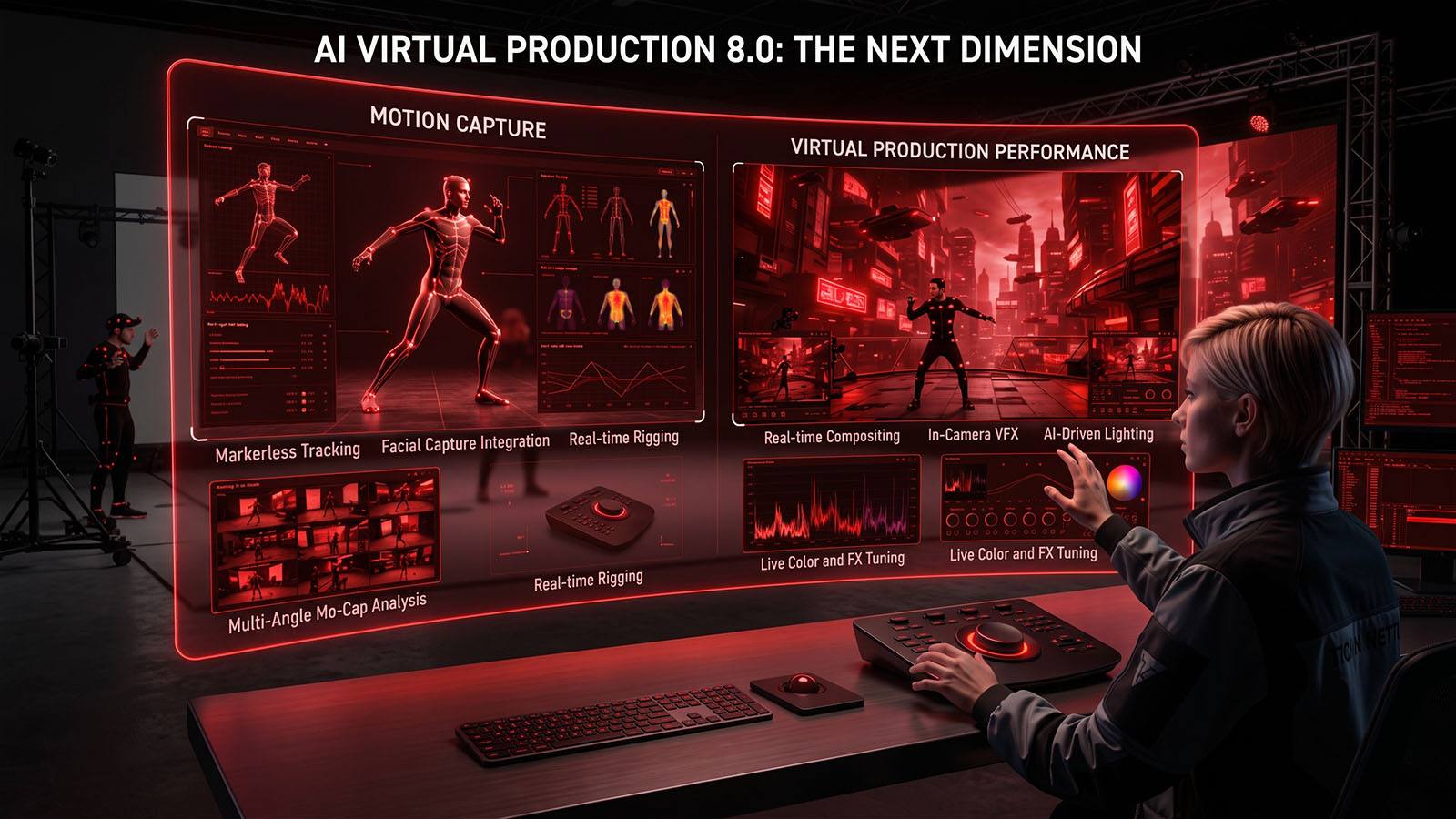

Performance capture connects an actor’s movement, face and hands to a digital character. In virtual production, the capture system becomes part of the filmmaking process, allowing performances to be directed, reviewed and refined inside the real-time world.
- What performance capture changes
- Motion capture fundamentals
- Body tracking
- Facial capture
- Hand tracking
- Retargeting
- Motion cleanup
- AI motion generation
- Real-time animation
- Performance direction
- Virtual actors
- Crowd animation
- Capture pipeline integration
- Common mistakes
- Complete Zgian performance-capture workflow
- Final motion QC
1. What performance capture changes
Performance capture turns an actor’s movement and expression into digital performance data that can drive virtual characters in real time or in post.
2. Motion capture fundamentals
Motion capture records body movement using optical, inertial or hybrid systems. The capture method should match the required range, environment and final performance.
3. Body tracking
Body tracking converts captured movement into a skeletal pose. Accurate proportions, calibration and occlusion handling are essential for believable results.
4. Facial capture
Facial capture records facial movement so a digital character can reproduce expressions, lip movement and subtle performance changes.
5. Hand tracking
Hands require dense motion information because fingers and contacts can change rapidly. Use dedicated hand capture when the shot depends on detailed interaction.
6. Retargeting
Retargeting maps captured motion from a source skeleton to a target character while preserving the intent of the performance.
7. Motion cleanup
Raw capture often contains jitter, gaps, sliding feet and unwanted rotations. Cleanup should remove technical artifacts without destroying performance.
8. AI motion generation
AI can generate, extend, edit or interpolate motion from text, reference movement or existing animation. Generated motion should be checked for contacts, physics and character intent.
9. Real-time animation
A real-time character needs a stable chain from capture input to rig evaluation, deformation and final rendering.
10. Performance direction
Virtual actors still need direction. The director should communicate intention, timing, physicality, eyelines and interaction just as in live-action production.
11. Virtual actors
Virtual actors combine body, face, hands, voice and character-specific rig behavior. Consistency across all performance channels is essential.
12. Crowd animation
Crowds can combine captured hero performances with procedural and AI-assisted background motion. Avoid visible repetition and maintain believable spacing.
13. Capture pipeline integration
Performance capture should connect cleanly to virtual cameras, environments, lighting and editorial so the team can evaluate the shot rather than isolated animation.
14. Common mistakes
Avoid poor calibration, incorrect skeleton mapping, over-filtering, ignoring foot contacts, mixing incompatible frame rates and accepting generated motion without review.
15. Complete Zgian performance-capture workflow
Define the performance, calibrate the capture system, record body/face/hands, solve and clean the data, retarget to the character, integrate the real-time rig, direct and review takes, then complete motion QC.
16. Final motion QC
Check timing, contacts, foot sliding, hand interaction, facial continuity, body mechanics, retargeting quality, frame rate and character deformation before approval.
How this fits the Zgian VFX + AI pipeline
REAL-TIME COMPOSITING → Real-Time Compositing 7.0
VIRTUAL CHARACTERS → Digital Humans 3.0
PERFORMANCE CAPTURE → this guide
Frequently asked questions
What is performance capture?
Performance capture records an actor’s body, facial and sometimes hand performance so it can drive a digital character.
Why is retargeting important?
Retargeting maps motion from the capture skeleton to the character rig while preserving the intended performance.
Can AI generate motion-capture animation?
AI can generate, extend or edit motion, but the result should be checked for contacts, mechanics, timing and character intent.
What causes foot sliding?
Foot sliding can result from tracking error, retargeting differences or insufficient contact constraints. Cleanup and foot locking can correct it.
Why capture face and hands separately?
They contain fine-grained motion that may require dedicated capture and solving to preserve detailed performance.

