
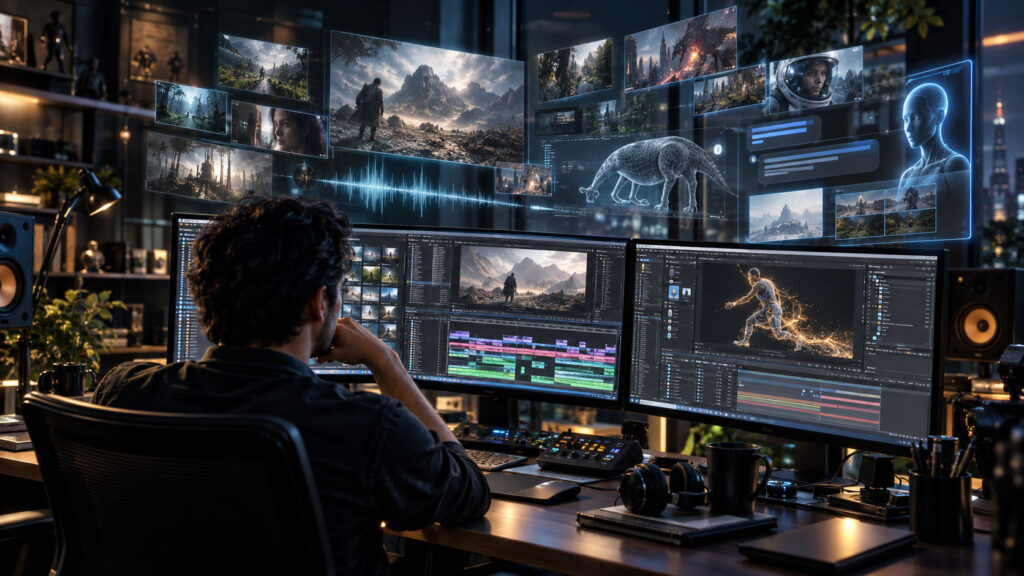
Adobe is pushing generative AI deeper into professional post-production with a major September 2026 update for Premiere and After Effects. The release brings AI media generation directly into the editing timeline, while After Effects gains a public-beta AI Assistant designed to help with complex project and motion-design tasks.
The bigger story is not simply that Adobe has added AI. It is that generative AI is becoming integrated directly into established professional editing, audio and compositing workflows, reducing the need to leave the application whenever an editor needs a missing shot, sound effect or technical action.
Premiere Can Now Generate Media Inside the Timeline
One of the biggest additions is Premiere’s new Generative Media Tool. Editors can select a range in their timeline, describe the media they need and generate video or sound effects without leaving Premiere. The results arrive as editable clips that can continue through the normal editing workflow.
This could be particularly useful when an editor is missing a short piece of footage, a transition shot, atmospheric material or a custom sound effect. Instead of opening another application, generating the material and importing it, the editor can perform the task within the timeline.
- A few seconds of environmental footage
- A transition or cutaway shot
- Atmospheric background material
- A custom sound effect
- Additional visual material to cover an edit
- Background ambience
Adobe also says editors can use reference frames sampled from their project to help generated video better match the surrounding visual context.
Multiple AI Models in One Workflow
The Generative Media Tool supports Adobe Firefly and partner models including Google Veo, Kling, Runway and Luma. This is significant because professional users increasingly work across multiple AI generation systems.
Instead of building a workflow around one external AI service, Premiere can provide a centralized interface for supported models. Editors can choose the model that best fits the creative requirement while keeping the generation step close to the edit.
AI-Generated Sound Effects
The update is not limited to video. Premiere can also generate sound effects from text prompts. Adobe says users can use their voice to guide timing and intensity, allowing generated effects to better match the rhythm of an edit.
This could be useful for trailers, commercials, social media videos, animation and short films. A sound designer may still be required for complex final productions, but AI generation can provide fast starting points during editorial development.
AI Soundscapes and Music
Adobe is also introducing Generate Soundscape and Generate Music in beta. Soundscape can analyze up to 15 seconds of video and generate contextual ambience and sound effects. Generate Music can create variations with controls such as tempo and looping.
Adobe says the generated music is commercially safe and includes synchronization rights for media use. For editors, this turns the timeline into a much more self-contained creative environment.
After Effects Gets an AI Assistant
After Effects is also moving toward natural-language interaction. The new AI Assistant is available in public beta and can help users organize projects, work with expressions, generate images and video, inspect compositions and footage, and carry out multi-step tasks through natural-language instructions.
For experienced motion designers, one of the most interesting possibilities is project management. Large After Effects projects can contain hundreds or thousands of layers. Finding assets, renaming layers, reorganizing compositions and troubleshooting technical problems can consume considerable time.
Adobe’s AI Assistant is designed to help automate some of these repetitive and technical tasks while keeping the results editable and under the artist’s control.
AI Can Help With Expressions
After Effects expressions are powerful, but they can also be intimidating for artists who are not comfortable with scripting. Adobe says the AI Assistant can help write and fix expressions.
This could lower the barrier to procedural motion design. An artist may be able to describe a desired behavior in natural language and use the Assistant to create or modify the expression required to achieve it. The artist still controls the final result, but the technical barrier becomes lower.
Adobe Is Targeting the Entire Post-Production Workflow
The significance of the update becomes clearer when the features are considered together.
Premiere
- AI-generated video
- AI-generated sound effects
- AI soundscapes
- AI music
- AI-powered audio cleanup and separation tools
- Paper Edit
- Generative Extend improvements
- AI-assisted workflows
After Effects
- AI Assistant in public beta
- Natural-language project actions
- Expression generation and debugging
- AI-generated images and video
- Additional beta motion-design capabilities
Adobe is effectively positioning AI as a layer across the post-production workflow rather than as a standalone feature.
What This Means for Editors and VFX Artists
The biggest impact may not be that AI replaces a particular task. Instead, AI could reduce the amount of time artists spend on repetitive production work.
An editor can spend less time searching for temporary footage. A motion designer can spend less time organizing thousands of layers. A compositor can use AI to generate or repair elements. A filmmaker can create temporary sound design without leaving the editing application.
That leaves more time for creative decisions, shot evaluation and storytelling.
But AI Does Not Remove the Need for Artists
Adobe’s approach also highlights an important point about professional AI workflows: generated content still needs creative judgment.
An AI-generated shot may have the wrong composition. A generated sound may not fit the scene. An expression generated by an assistant may need modification. A visual effect may require manual cleanup.
Professional production therefore remains an iterative process. AI can accelerate the workflow, but the artist remains responsible for deciding what belongs in the final project.
The Post-Production Timeline Is Becoming an AI Interface
This may ultimately be the most important development. For decades, professional editing has revolved around timelines, bins, effects panels and menus. Now the timeline itself is becoming a place where artists can communicate with AI.
Instead of searching through menus for a function, an editor can increasingly describe what they want. Instead of leaving the application to create missing media, the editor can generate it directly where it is needed.
That represents a significant change in how creative software is designed.
What Comes Next?
Adobe’s latest release suggests that AI-assisted post-production will continue moving toward integrated workflows. The distinction between editing, generation, audio design and motion graphics may become less rigid.
Rather than using AI as a separate production stage, artists may use it continuously throughout the creative process. For professional editors and VFX artists, learning how to direct, evaluate and refine AI-generated results may become just as important as learning individual software features.
The technology is changing quickly. But the core skill remains the same: knowing what the final image should look and sound like.
Related Zgian Guides
- AI VFX: How to Combine AI Video With Professional Visual Effects
- AI Compositing: Keying, Green Screen and VFX Workflow
- AI Motion Design: Typography, Logo Animation and Kinetic Type
- Editorial and Final Finishing
- The Complete AI Film Production Pipeline
Official Source
Details in this article are based on Adobe’s September 2026 announcement and official product documentation for Premiere and After Effects.


