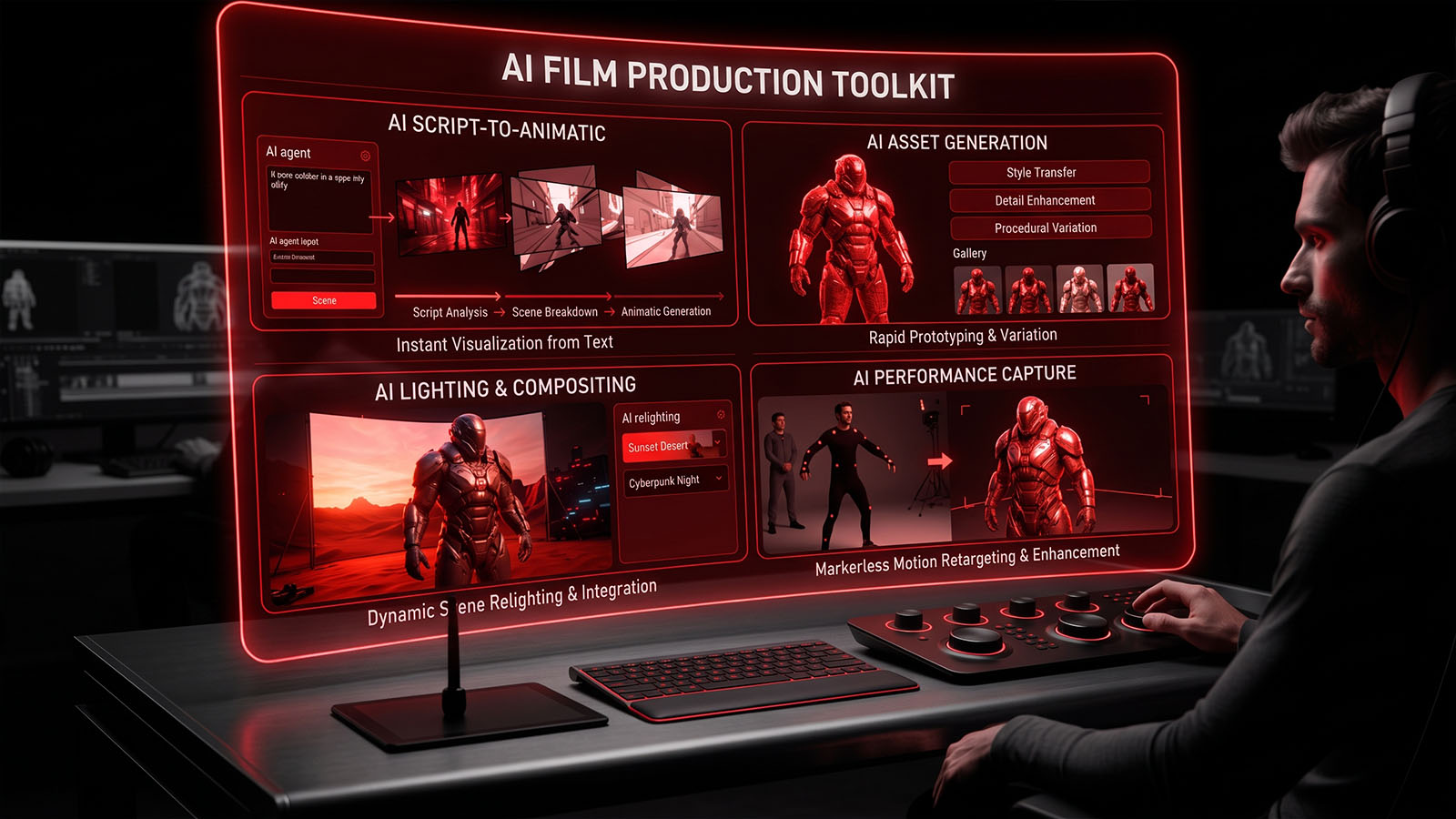

Turn the ten-stage Zgian production methodology into a reusable project system. Each module connects creative decisions to production assets, prompts, shots, VFX and final delivery.
Production Workflow
↓
FILM CHOICE
↓
CHARACTER BIBLE
↓
WORLD BIBLE
↓
SCREENPLAY / SCENES
↓
SHOT LIST / STORYBOARD
↓
PREVIS / ANIMATIC
↓
AI GENERATION / TAKES
↓
VFX / COMPOSITING
↓
EDIT / SOUND / COLOR / MASTER
Toolkit Modules
Film Production Dashboard
Central project status: stages, scenes, shots, approvals, risks and delivery progress.
Character Bible
Stable character IDs, appearance, wardrobe, voice, personality, emotional arc and reference assets.
World Bible
Locations, architecture, props, materials, weather, lighting states and environmental continuity.
Screenplay → Scene Breakdown
Convert screenplay scenes into objectives, action, dialogue, visual beats and production notes.
Shot List Generator
Scene-to-shot planning with shot IDs, framing, lens family, camera movement, blocking and coverage.
Storyboard Prompt Builder
Combine character, world, camera, lighting and action blocks into reusable AI image prompts.
Previs & Animatic Tracker
Track timing, blocking, camera tests, temporary sound, AI video tests and previs approval.
AI Generation Tracker
Record prompts, models, settings, takes, versions, reviewers and approved masters.
VFX Shot Tracker
Manage cleanup, roto, tracking, keying, integration, color match, QC and final VFX masters.
Final Delivery Manager
Picture lock, dialogue, Foley, sound mix, color grade, titles, QC, mastering and archive.
Universal Production Status
Production IDs
SCENE: SC01, SC02, SC03…
SHOT: SC01-SH001, SC01-SH002…
CHARACTER: CHR-001…
LOCATION: LOC-001…
PROP: PRP-001…
TAKE: SC01-SH001-T01…
PROMPT: SC01-SH001-P01…
VFX: SC01-SH001-VFX01…
MASTER: FILM-001-MASTER-V01
Next Build
The toolkit is now the control center. The next development step is to turn each module into interactive production forms and generators that can save project data, create prompt packages and produce structured shot/VFX records.
Where AI Film Production Toolkit fits in the production workflow
AI Film Production Toolkit is best understood as part of a wider creative and technical pipeline. Depending on the project, it may connect with compositing, rotoscoping, matchmoving, green screen, and vfx pipeline. Understanding those relationships helps artists choose an efficient workflow instead of treating a technique or software feature in isolation.
What to evaluate on a real project
- What is the intended final output and what quality level is required?
- Which parts of the shot are best handled manually, procedurally, or with tracking/automation?
- How will the work be reviewed, revised, versioned and handed off to the next department?
- What happens when lighting, motion blur, transparency, perspective or other difficult shot conditions change?
Related Zgian guides
Editorial note: software interfaces and AI capabilities change over time. Check current vendor documentation before relying on version-specific features.